Make the most of your phone with Chrome

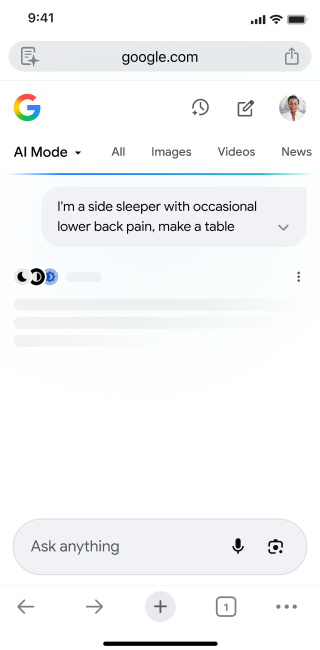



AI Mode

Google Lens in Chrome

Translate
-
Google Lens in Chrome
-
Google Lens in Chrome
-
-
-
-
AI Mode
-
-
AI Mode
-
-
-
Translate
-
-
-
Translate
-


Seamless syncing on your device
Access your saved info on any device where you're signed in to Chrome. Effortlessly sync tabs, passwords, bookmarks, payment info and more across your phone, tablet and computer.
Open tabs from other devices
Start on one device and keep going on another. With Chrome, you can visit tabs that you opened on other devices to pick up right where you left off. Plus, you can easily send specific tabs from one device to another.
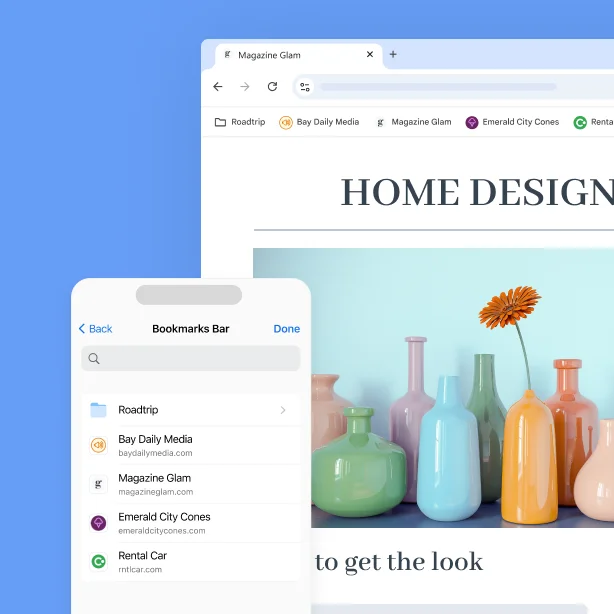
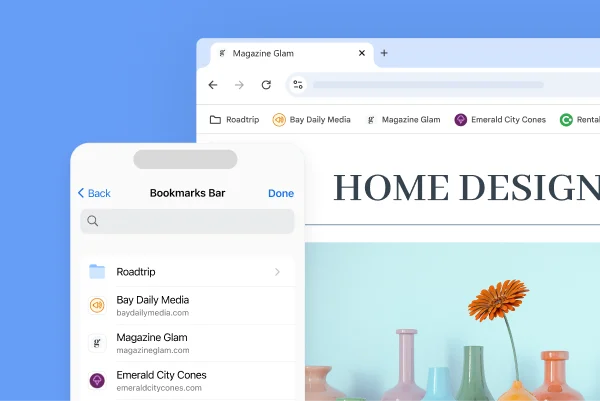
Access your bookmarks wherever you’re signed in
Your bookmarks are saved in your Chrome, so it’s easy to find them on any device where you’re signed in.
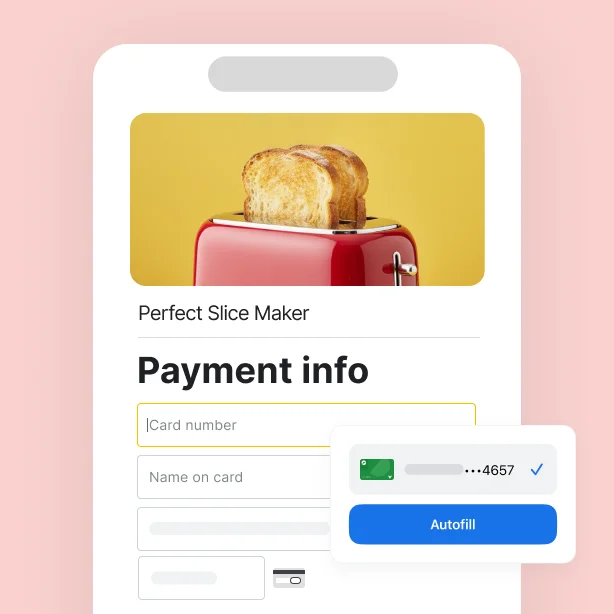
Say goodbye to typing credit card numbers
Checking out has never been faster. Save your payment info in Chrome to safely complete your purchase on any device where you’re signed in.
Open tabs from other devices
Start on one device and keep going on another. With Chrome, you can visit tabs that you opened on other devices to pick up right where you left off. Plus, you can easily send specific tabs from one device to another.
Access your bookmarks wherever you’re signed in
Your bookmarks are saved in your Chrome, so it’s easy to find them on any device where you’re signed in.
Say goodbye to typing credit card numbers
Checking out has never been faster. Save your payment info in Chrome to safely complete your purchase on any device where you’re signed in.

Open tabs from other devices
Start on one device and keep going on another. With Chrome, you can visit tabs that you opened on other devices to pick up right where you left off. Plus, you can easily send specific tabs from one device to another.
Access your bookmarks wherever you’re signed in
Say goodbye to typing credit card numbers
You’re safe on Chrome
-
Safe browsing
Browse safely or choose extra protection
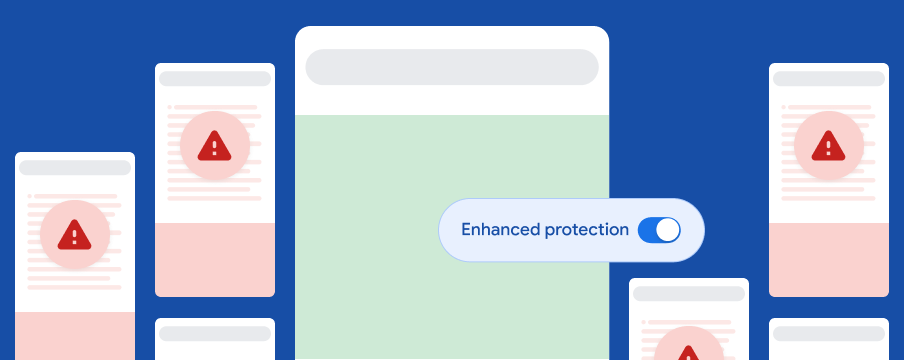
Safe Browsing keeps you protected by showing a warning message before you visit a dangerous site or download harmful content. For more advanced security protections, turn on enhanced protection in your Chrome settings. It uses AI to detect new security threats even faster, and protects you when you use Chrome and other Google products.
![When enhanced protection is turned on, you're protected across different websites and Google products]()
-
Passkeys
Level up your security with passkeys
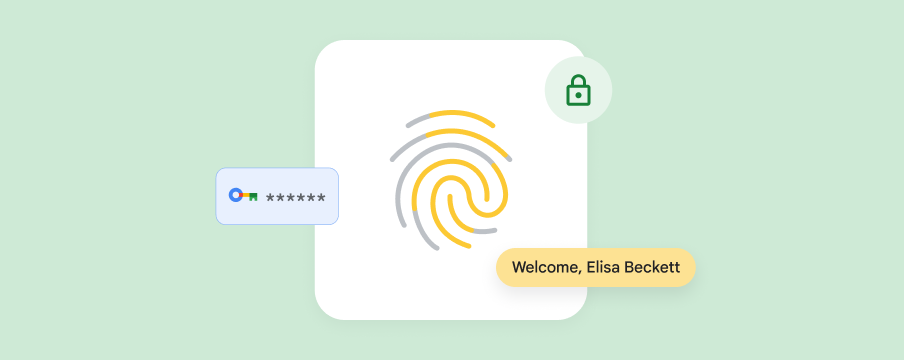
Passkeys let you sign in the same way that you unlock your phone, using your fingerprint, face, PIN or pattern. It's easier and more secure than passwords, and your biometric data (like your fingerprint or face scan) is never shared with Google.
![A fingerprint with security icons shows how passkeys make signing in simpler and more secure]()
-
Privacy controls
Control your data and how it's used
Privacy Guide offers a step-by-step tour of critical privacy and security controls, so that you can make and manage the right selections for you in one spot. Use privacy controls to clear your history or manage websites' access to your location or camera.
![A Google badge surrounded by privacy-related icons implies that Google gives you control over your privacy online]()

FAQs
How do I make Chrome my default browser on iPhone or iPad?
How can I import my Safari data to Chrome?
Where can I download the Google Chrome app?
How do I update the Google Chrome app on my phone or tablet?

Scan for the
Chrome app

Get Chrome for your phone