


Maximize leads and conversions
Get better quality leads and enhance conversions.
You’re about to create a new Google Ads account. You can create multiple campaigns in the same account without creating a new account.
You’re about to create a new Google Ads account. You can create multiple campaigns in the same account without creating a new account.
with Google Ads
Play animation
Pause animation




Whatever your business goal, drive better results with Performance Max.
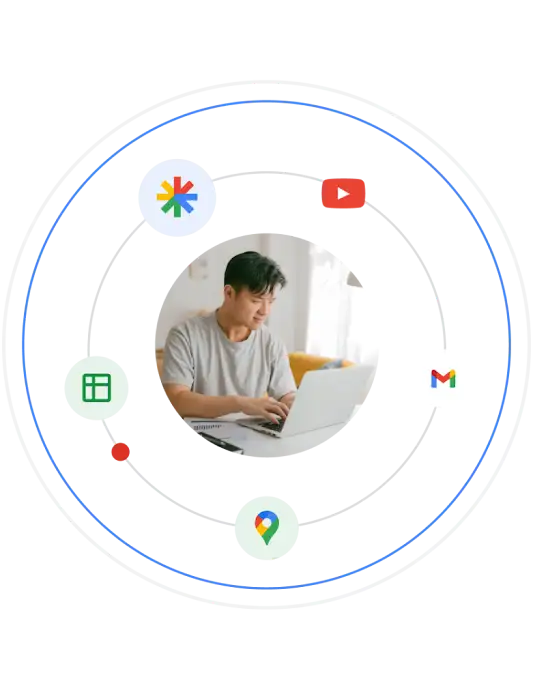
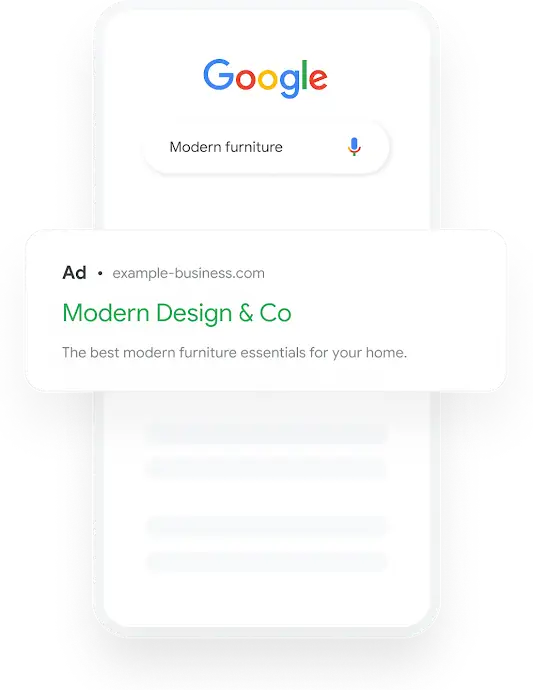


With Performance Max, you get the best of Google all-in-one. Powered by Google’s AI, reach valuable customers most likely to buy from you wherever they’re browsing - on Search, Display, YouTube and more - from a single campaign.
Help drive sales, leads, or site traffic by getting your business in front of people who are actively searching Google for products or services you offer.
Build awareness and consideration with memorable, visually engaging ads that reach your audience when they’re online, checking Gmail, or using mobile apps.
Show up when people are shopping with visually engaging product listings and let them know what you have in stock to drive more sales.
Boost awareness of your brand, follow up with former ad viewers, and reach potential customers while they’re watching or searching for videos on YouTube.
Reach people who are interested in apps like yours to drive installs or choose to re-engage current users to drive more in-app actions.


Add essential inputs like budget details and creative assets, and let Performance Max go to work to drive results. Powered by Google AI, Performance Max creates and shows ads to valuable customers wherever they are looking online to maximize your return.

Track conversions to get unmatched audience insights. Google’s budget-optimizing automation helps you capture new customer opportunities with the highest ROI.

Get recommendations, decide your monthly budget, and adjust at any time. Google technology helps you measure results and make the most of your ad spend.

Add essential inputs like budget details and creative assets, and let Performance Max go to work to drive results. Powered by Google AI, Performance Max creates and shows ads to valuable customers wherever they are looking online to maximize your return.

Track conversions to get unmatched audience insights. Google’s budget-optimizing automation helps you capture new customer opportunities with the highest ROI.

Get recommendations, decide your monthly budget, and adjust at any time. Google technology helps you measure results and make the most of your ad spend.


Josh Kilmer-Purcell, Co-owner, Beekman 1802


Randy Williams, Founder & CEO, Talley & Twine


Get started with our free personalized support. Create your custom ads plan with a Google Ads Expert.